Make Image Low Quality
Reduce image quality with adjustable compression, resolution, noise, and contrast. Includes a Deep Fried meme preset.
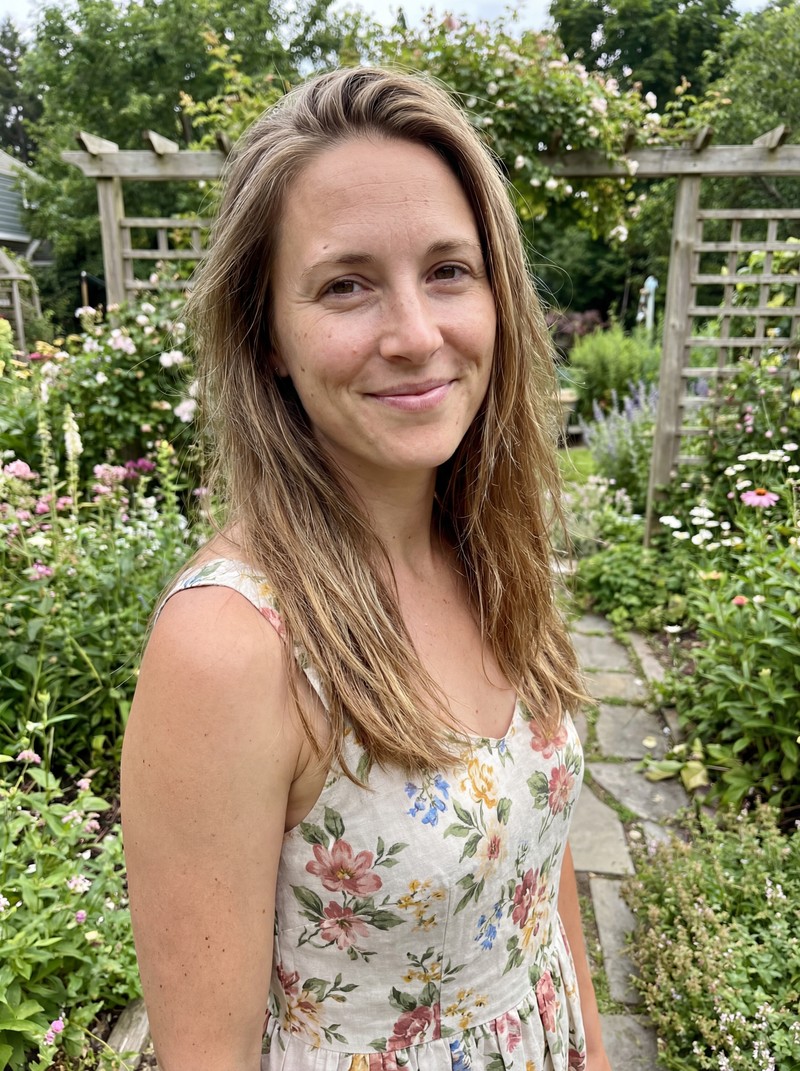
Before
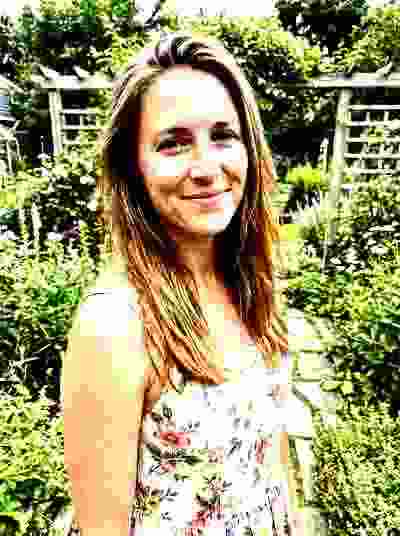
After
Drop your image here or browse
Supports PNG, JPEG, WEBP
About Make Image Low Quality
Reduce image quality with full control over JPEG compression, resolution, noise, and contrast. Create deep fried memes, test compression artifacts, or simulate low-quality photos. Adjust individual sliders or use the Deep Fried preset for instant meme-worthy results.
Frequently Asked Questions
How does the low quality tool work?
The tool processes your image entirely in the browser using Canvas. You control four parameters: JPEG compression quality, resolution scaling, noise/grain amount, and contrast level. The preview updates in real-time so you can see the exact result before downloading.
What does the Deep Fried preset do?
The Deep Fried preset cranks all settings to extreme levels — minimum JPEG quality, heavy noise, and boosted contrast — to create the classic 'deep fried meme' look popular on social media. One click and your image is instantly meme-worthy.
What controls are available?
Five sliders: JPEG Quality (1-100) controls compression artifacts, Resolution (10%-100%) scales image dimensions, Noise/Grain (0-100) adds random static, Contrast (50%-200%) adjusts tonal range, and Saturation (0%-300%) boosts or removes color intensity. Each updates the preview instantly.
How much does it cost?
Each download uses 1 credit. You can preview and adjust settings for free before committing. Credits are $1 each, or subscribe to Pro for 15 credits/month at $15.
Is there a file size limit?
There is no hard file size limit. All processing happens in your browser, so larger images may take a moment to preview. The output file size depends on your quality settings — lower quality means a smaller file.
Check Out Our Other Tools
Make Image Transparent
Remove backgrounds instantly
Make Image 4K
Upscale to 4K with AI
Make Image Black and White
Convert to grayscale
Make Image Smaller
Reduce file size & dimensions
Make Image Square
Crop to perfect square
Make Image Blurry
Add blur effects
Make Image Negative
Invert colors
Make Image JPG
Convert to JPG free
Free
Make Image Circle
Crop to circle
Make Image Pixelated
Add pixel effect
Make Image Brighter
Brighten dark photos
Make Image Brighter
Brighten dark photos
Make Image Pixelated
Add pixel effect
Make Image Circle
Crop to circle
Make Image JPG
Convert to JPG free
FreeMake Image Negative
Invert colors
Make Image Blurry
Add blur effects
Make Image Square
Crop to perfect square
Make Image Smaller
Reduce file size & dimensions
Make Image Black and White
Convert to grayscale
Make Image 4K
Upscale to 4K with AI
Make Image Transparent
Remove backgrounds instantly